Ayuda
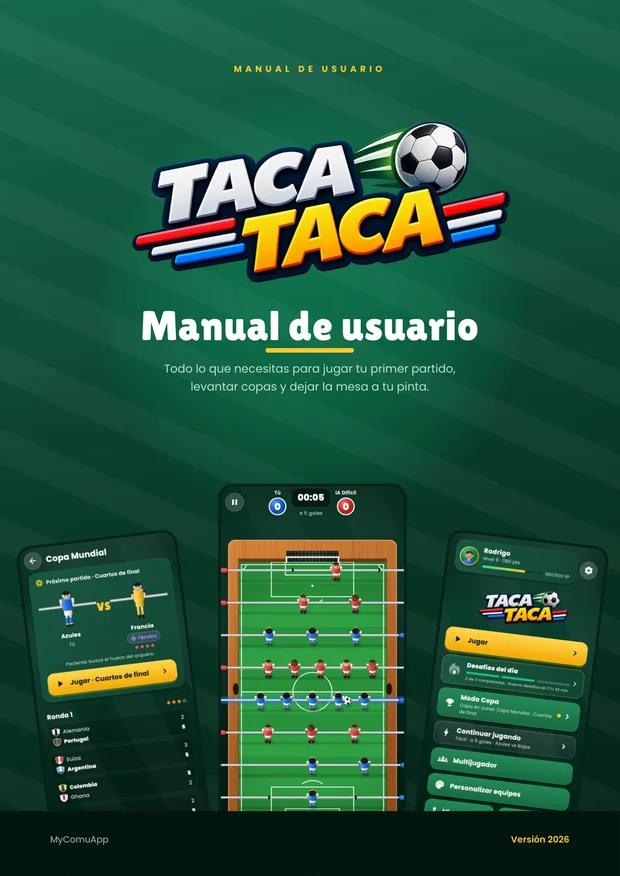
Manual de usuario
Todo el juego explicado paso a paso, con capturas: desde tu primer partido hasta la final del Mundial. Léelo aquí mismo o descárgalo para tenerlo a mano.
Cada versión lleva las capturas del juego en su idioma.
Qué encontrarás dentro
- Bienvenido a Taca Taca — qué es el juego y dónde puedes jugarlo.
- Primeros pasos — tu perfil, el tutorial y el menú principal botón por botón.
- Tu primer partido — los controles, la pantalla de juego y las reglas de la mesa.
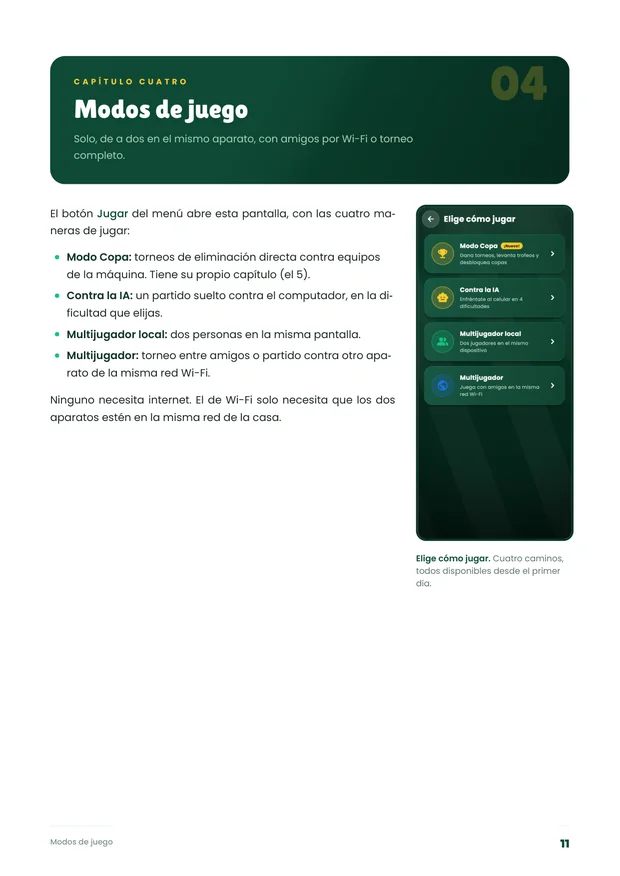
- Modos de juego — contra la IA, dos en el mismo aparato, torneo y Wi-Fi.
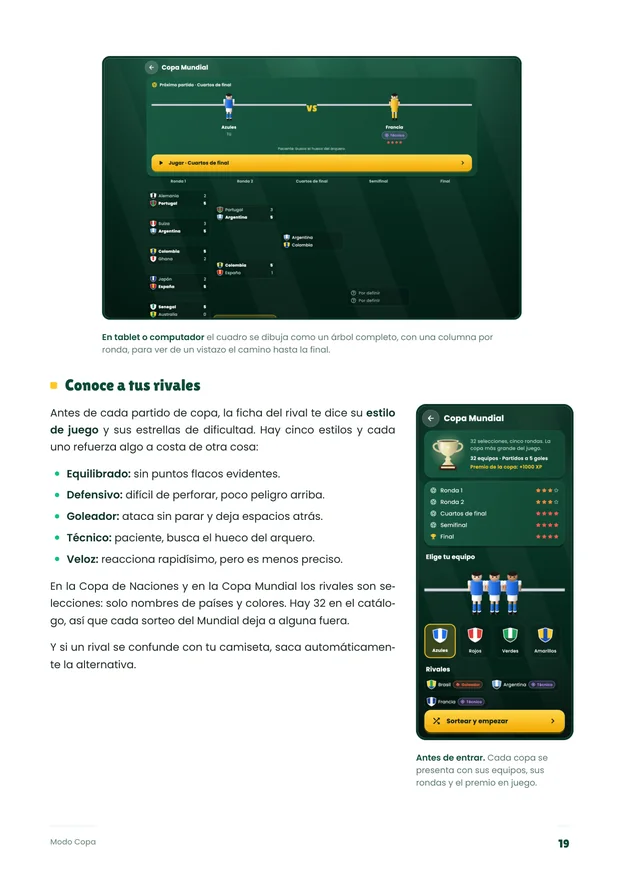
- Modo Copa — las seis copas, el cuadro y los estilos de los rivales.
- Tu progreso — XP, niveles, desbloqueos y puntuación.
- Desafíos diarios — los tres retos del día, la racha y las ocho recompensas.
- Los 23 logros — qué pide cada uno.
- Equipos y personalización — colores, camisetas, mesas y pelotas.
- Tu perfil y el ranking — estadísticas, varios jugadores y progreso en la nube.
- Repeticiones de gol — cámara lenta y cómo compartir un golazo.
- Configuración al detalle — qué hace cada interruptor.
- En el computador — ventana, menús y todos los atajos de teclado.
- Preguntas frecuentes — las diez que más nos hacen.
- Si algo no funciona — soluciones a los tropiezos comunes.
- Privacidad, datos y contacto — qué se guarda y dónde.
- Welcome to Taca Taca — what the game is and where you can play it.
- First steps — your profile, the tutorial and the main menu button by button.
- Your first match — the controls, the match screen and the rules of the table.
- Game modes — against the AI, two on one device, tournament and Wi-Fi.
- Cup Mode — the six cups, the bracket and your rivals' styles.
- Your progress — XP, levels, unlocks and score.
- Daily challenges — the three daily tasks, the streak and the eight rewards.
- The 23 achievements — what each one asks for.
- Teams and customisation — colours, shirts, tables and balls.
- Your profile and the ranking — statistics, several players and cloud progress.
- Goal replays — slow motion and how to share a screamer.
- Settings in detail — what every switch does.
- On a computer — window, menus and every keyboard shortcut.
- Frequently asked questions — the ten we get asked most.
- If something goes wrong — fixes for the common stumbles.
- Privacy, data and contact — what is stored and where.
¿Sigues con dudas?
Si el manual no resuelve lo tuyo, en Soporte están los problemas más comunes con su solución, y en las preguntas frecuentes las dudas rápidas.
Y si prefieres preguntar, escribe a contacto@mycomuapp.com: contesta una persona.
If the manual does not cover your case, Support lists the most common problems and their fixes, and the frequently asked questions handle the quick ones.
And if you would rather ask, write to contacto@mycomuapp.com: a person answers.